Change Password:
If a user wants to change the password or user name he can use this option. This option is used only for security purposes. This option is only used by the user who has the rights to change password.
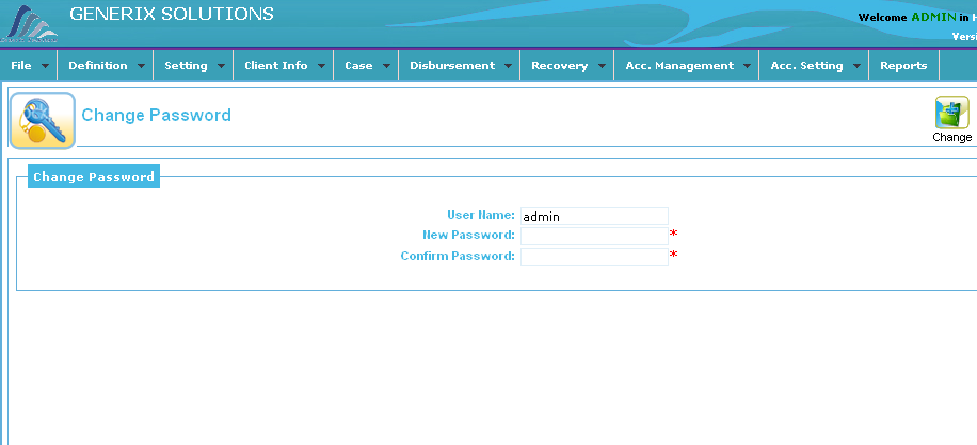
- Click on change password option from File menu.
- Following Screen appear on your desktop.
- Type new password for user in second Text box.
- Retype your password for confirmation in third text box.
- Then Click on Change button.
- System will change the password.
