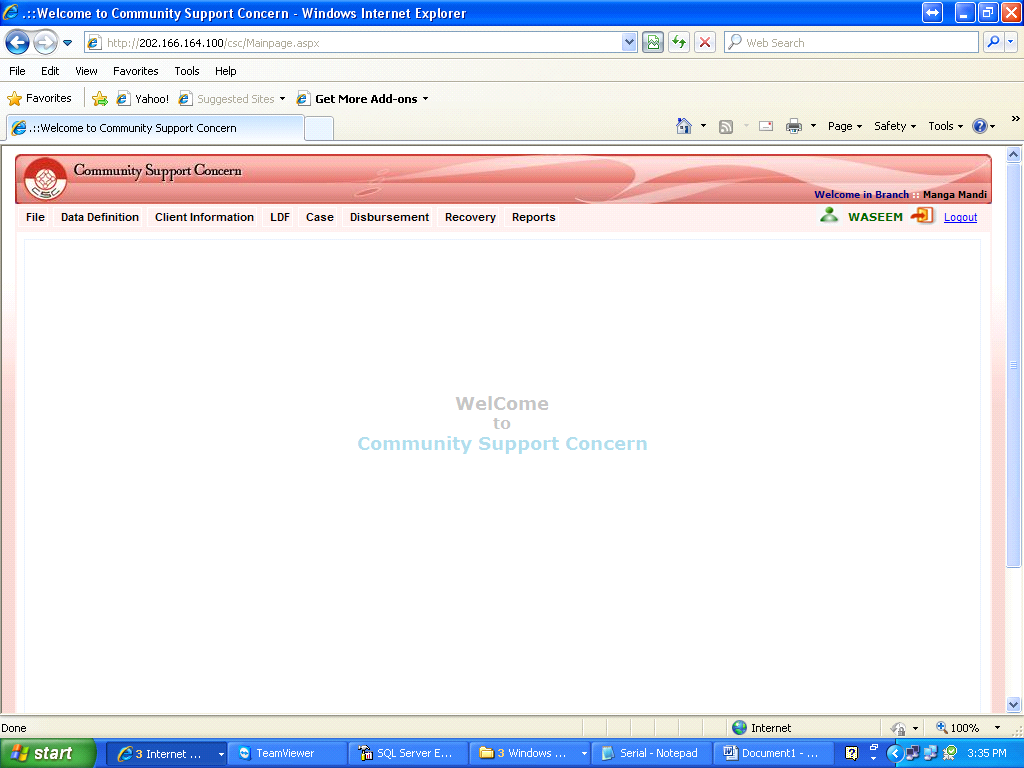
Login Page


Login Page
A user can log in to a system to obtain complete / partial access of the application. To do this user have to give a specified user name given by administrator, after that system ask a password a secret / invisible characters without which one cannot enter the application. After successfully login application immediately take the user to the main page from where one can perform task according to its need. Use can follow the three simple steps to Login.
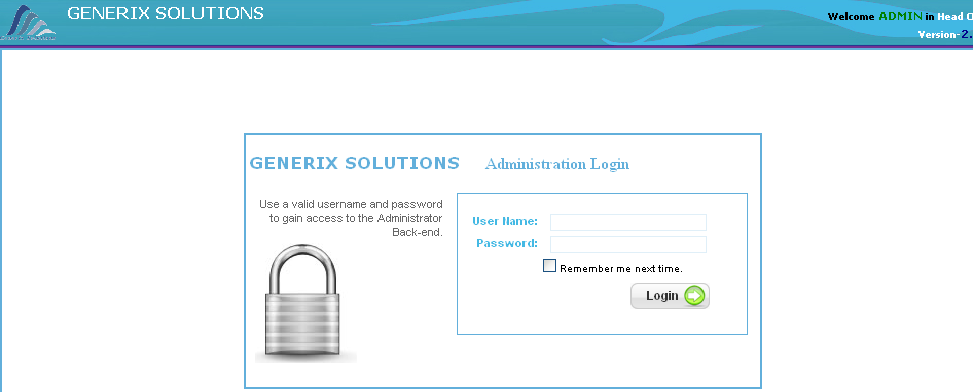
Then a main screen will appear on your desktop.